Whether it’s a single room or an entire practice, designing a dental operatory takes vision, planning, and the right tools. Dream in 3D brings all of that together in one interactive design platform, helping you visualise equipment, explore materials, and make confident decisions before you build.
Here's how to get the most out of your experience:
1. Start with an empty room
Beginning with an empty 3D room is a simple way to explore layout possibilities. Add a dental chair, delivery system, lights, cabinets, and stools to see how each piece shapes workflow and ergonomics. Adjust finishes and materials as you go to understand the relationship between form and function. Starting from scratch helps you evaluate your space with clarity, without existing equipment influencing the design.
2. Explore colours and finishes
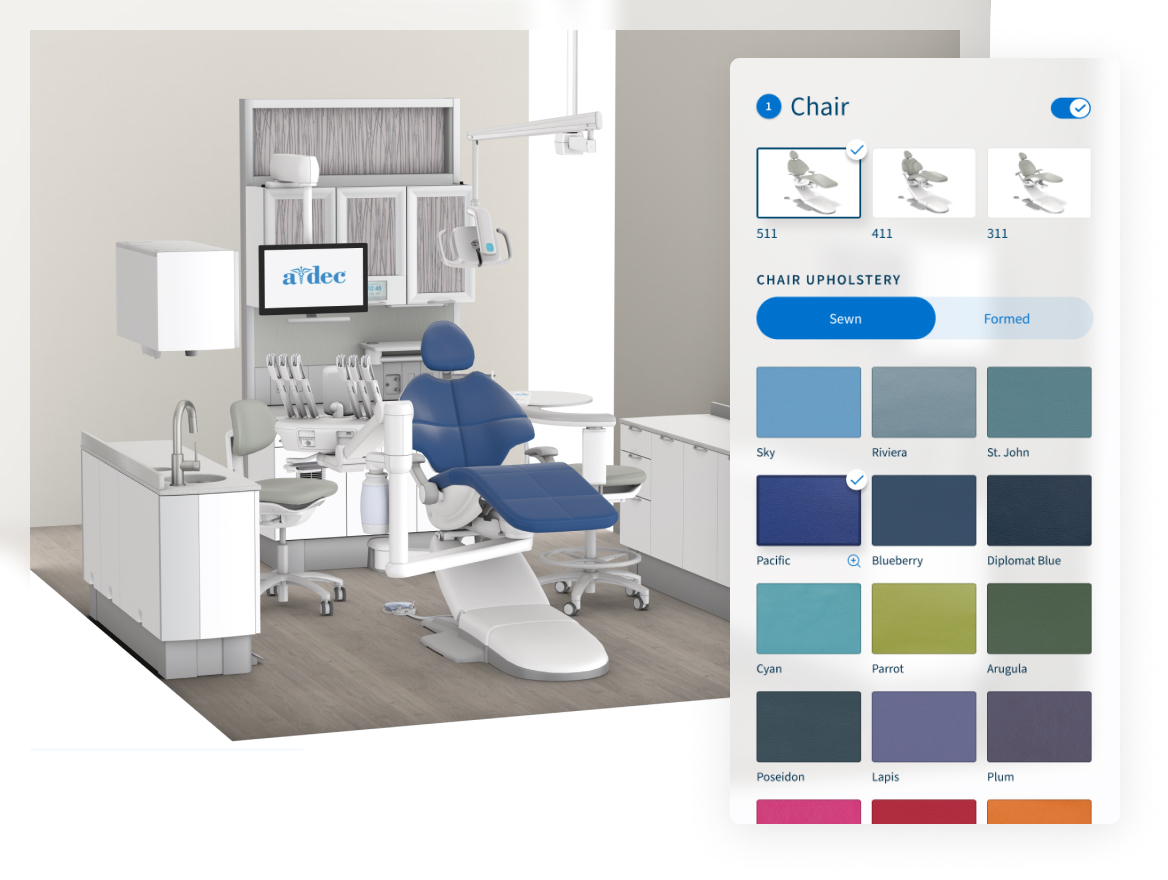
Selecting finishes is simple and flexible. You can quickly swap in and out different chair colours, upholstery, and cabinetry options to see how each combination looks in your treatment room. This allows you to experiment freely, narrow down your preferred aesthetic, and create a cohesive style that reflects your brand while enhancing the patient experience.
3. View your design in AR or VR
You can bring your design to life using augmented or virtual reality.
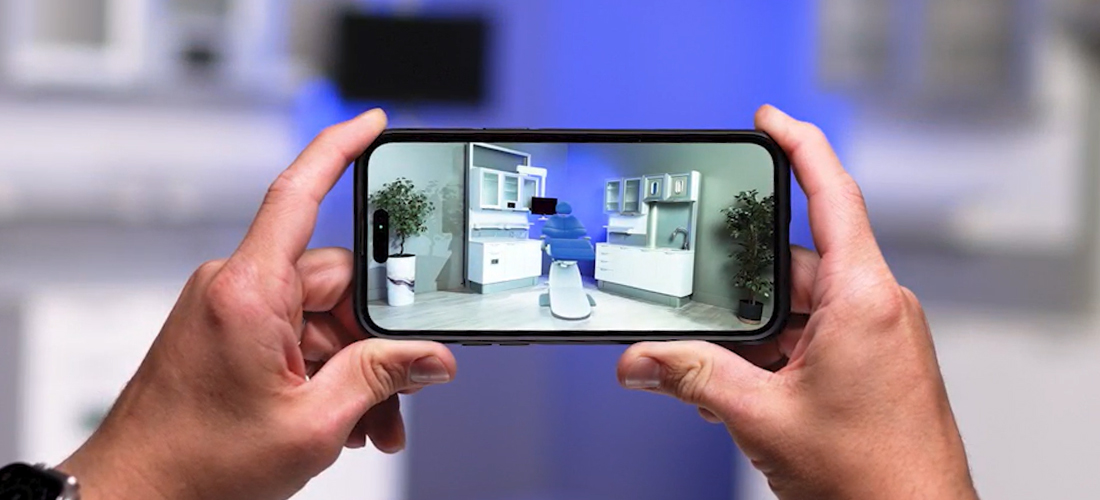
- AR lets you place products to scale in your room, giving you a realistic sense of how they’ll look and fit in your space. You can even scale the AR model down to place it on a physical blueprint or desk, letting your operatory come to life in miniature.
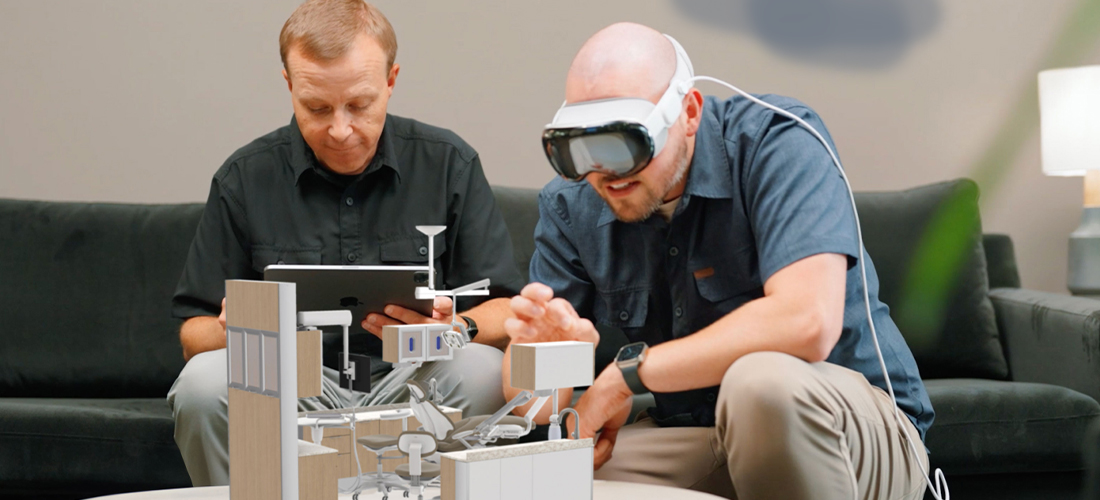
- Try an Apple Vision Pro headset for a fully immersive experience of your creation.
4. Save and share your design
When you’ve created a layout or configuration you want to keep, Dream in 3D gives you several ways to save and collaborate:
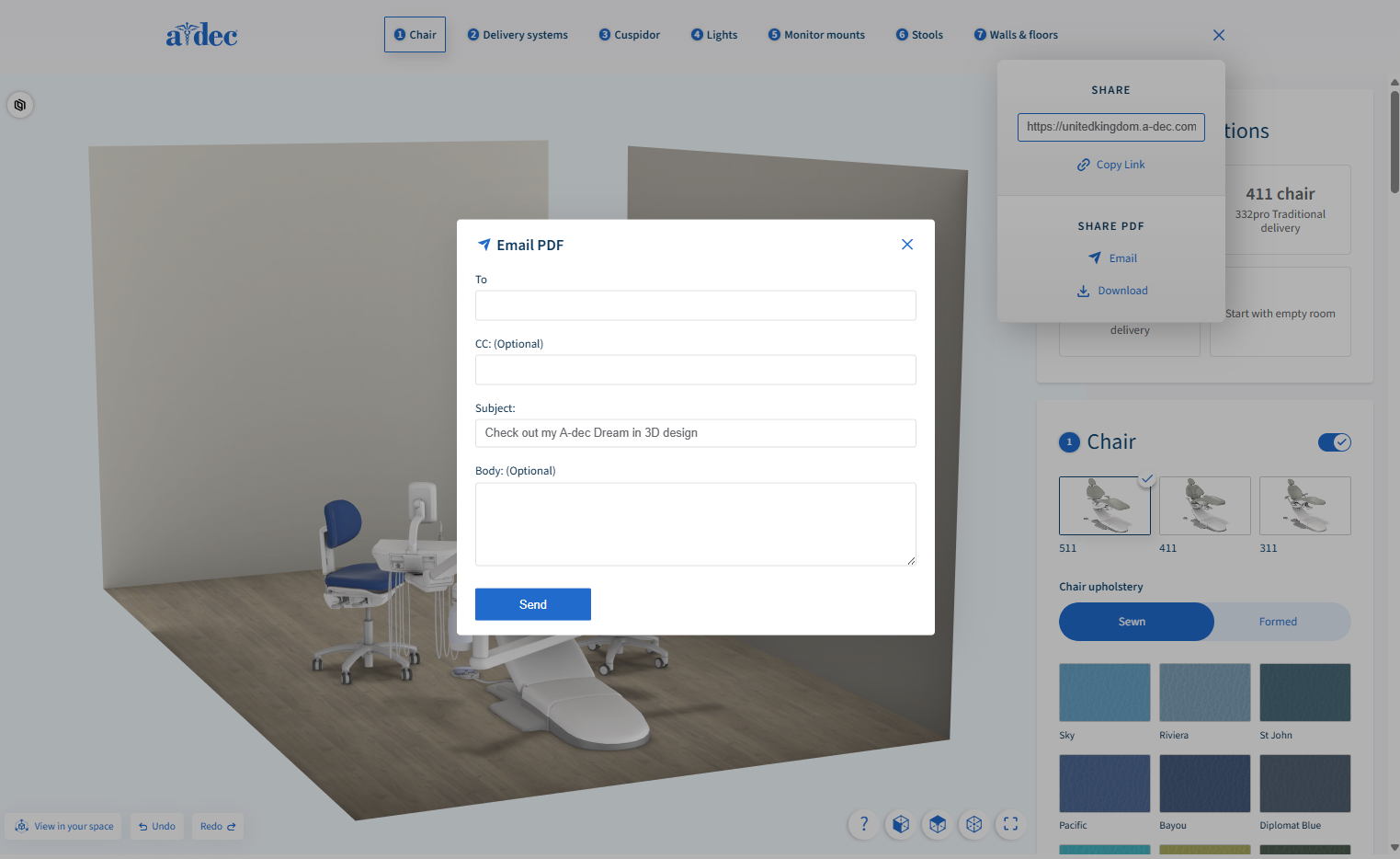
- Email your design
- Download a PDF summary
- Copy a direct link to share with your dealer, designer, or Territory Manager
Saving your design makes it easy to compare options, gather feedback, and move smoothly from early concepts to planning and quoting.
Dream in 3D is designed to simplify every stage of the planning process, helping you visualize ideas, explore possibilities, and create a space that supports the way you work.
What's next?